Automatic updates
Some things in HourBank happen on their own: closing a billing cycle at midnight, carrying hours over, creating invoices and sending usage alerts. A web page cannot do that by itself, because nothing runs until someone visits. So Perfex uses a scheduled task, which hosting control panels call a cron job. You set it up once, and then you can forget about it.
If you already use Perfex's recurring invoices, reminders or timers, the scheduled task is already running and you can skip this page. The dashboard tells you if it is not.
How to see whether it is running
Open HourBank, Dashboard and look at the Health check panel at the bottom.
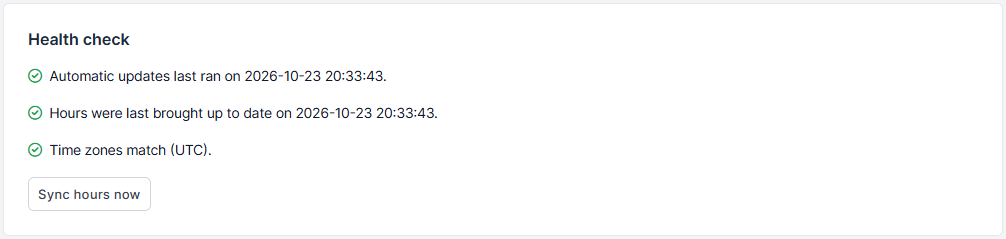
- If it says Automatic updates last ran on with a recent date and time, everything is fine.
- If it says Automatic updates have not run yet, or the date is old, follow the steps below.
Setting it up in cPanel
- Log in to your hosting control panel and open Cron Jobs.
- Under Add New Cron Job, choose Once Per Minute (* * * * *) in the common settings list.
- In the Command box, enter the command shown in the setup wizard (step 3), the part after the five stars. It looks like this, with your own path:
php /home/youraccount/public_html/index.php cron index - Click Add New Cron Job.
Wait two minutes, then reload the HourBank dashboard. The health check should now show a recent run.
Other hosting panels
Plesk, DirectAdmin, Hostinger and others call it Scheduled Tasks or Cron Jobs. The idea is always the same: run the command every minute. The wizard shows the exact line for your site, with the five stars first, which is the schedule "every minute". Copy it as it is if your panel asks for a full cron line.
What if it stops?
If the scheduled task stops for a while, nothing is lost. When it runs again, HourBank closes every billing cycle that was missed, one after another, in order, and never invoices the same cycle twice. You can also press Sync hours now on the dashboard.